
Enlarge a photo without losing quality
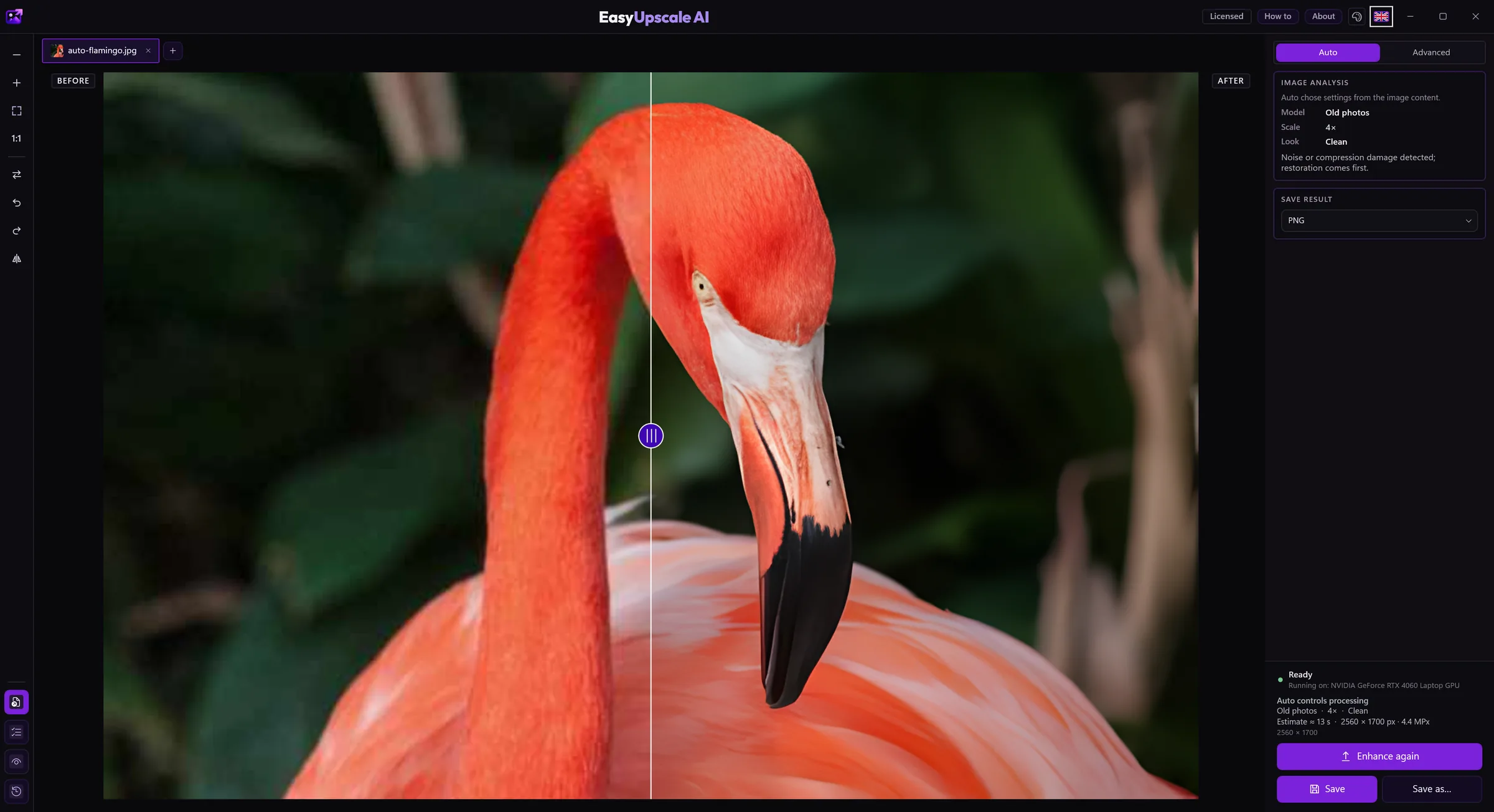
Plain enlarging in an ordinary program makes a photo blurry, because it only stretches existing pixels. EasyUpscale AI uses AI models to calculate plausible detail, so the enlarged photo looks sharper.
Download free for Windows · Buy a license · €14.99
How to enlarge
- Open the photo and leave Auto mode on, or in Advanced mode (with a license) choose a size: 2×, 4× or a target like 4K or Full HD.
- Start processing. It runs on your graphics card.
- Compare with the original using the slider and save.
An honest word on quality
- No enlargement is truly "lossless": the new detail is the model's estimate. On ordinary photos it looks natural, but on very small or damaged sources the model can guess detail wrongly.
- Enlarging 2× is free, with no watermark. 4× needs a license (€14.99 one-time).
- The size of the result is limited by your computer's memory; Auto mode never plans a result larger than 40 megapixels.
Privacy
Everything is computed on your PC. Photos are not uploaded anywhere.