
Auto mode
The app recognizes the picture (photo, drawing, text, damaged shot) and chooses the model and size. Noisy photos are cleaned first and fine grain is put back afterwards, so the result does not look painted.
EasyUpscale AI enlarges and improves images with AI right on your computer. No cloud, no subscription, no waiting in a queue.
Version 1.0.18 · Windows 10 and 11
First start: The app is not code-signed yet, so Windows may show a SmartScreen warning. Click “More info” and “Run anyway”.
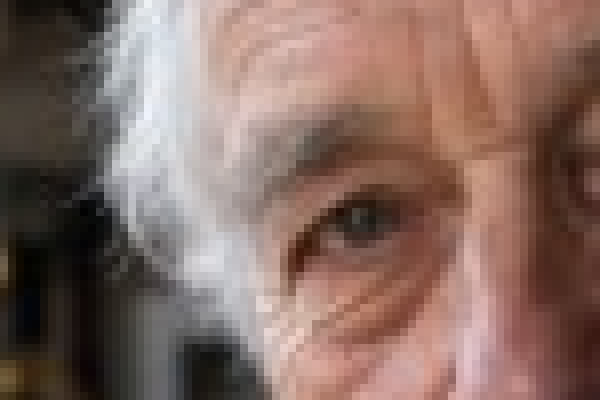
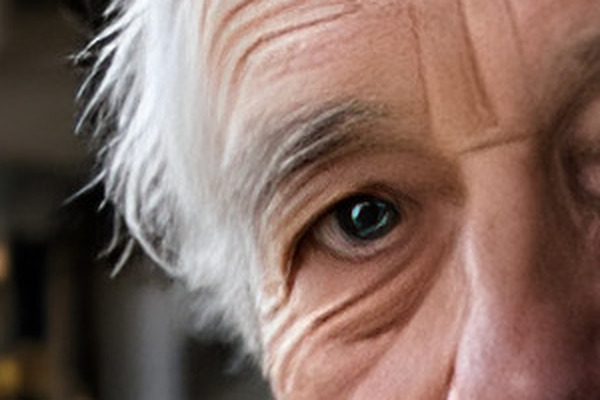
In the original shot (384 × 256 px) this detail is only 75 × 50 pixels. Left: its real pixels, middle: a standard enlargement, right: EasyUpscale AI (4×).



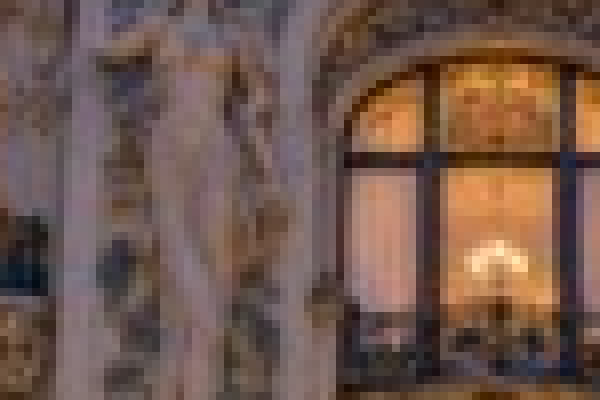

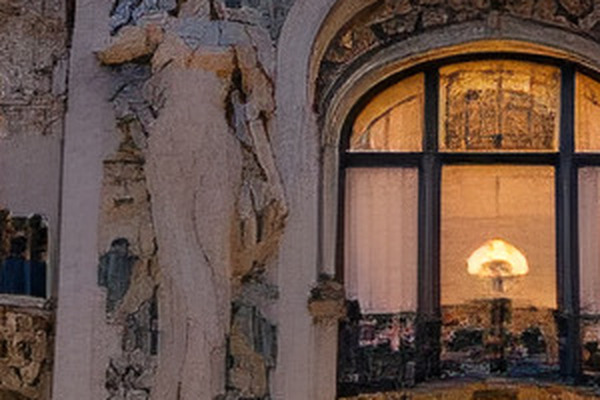
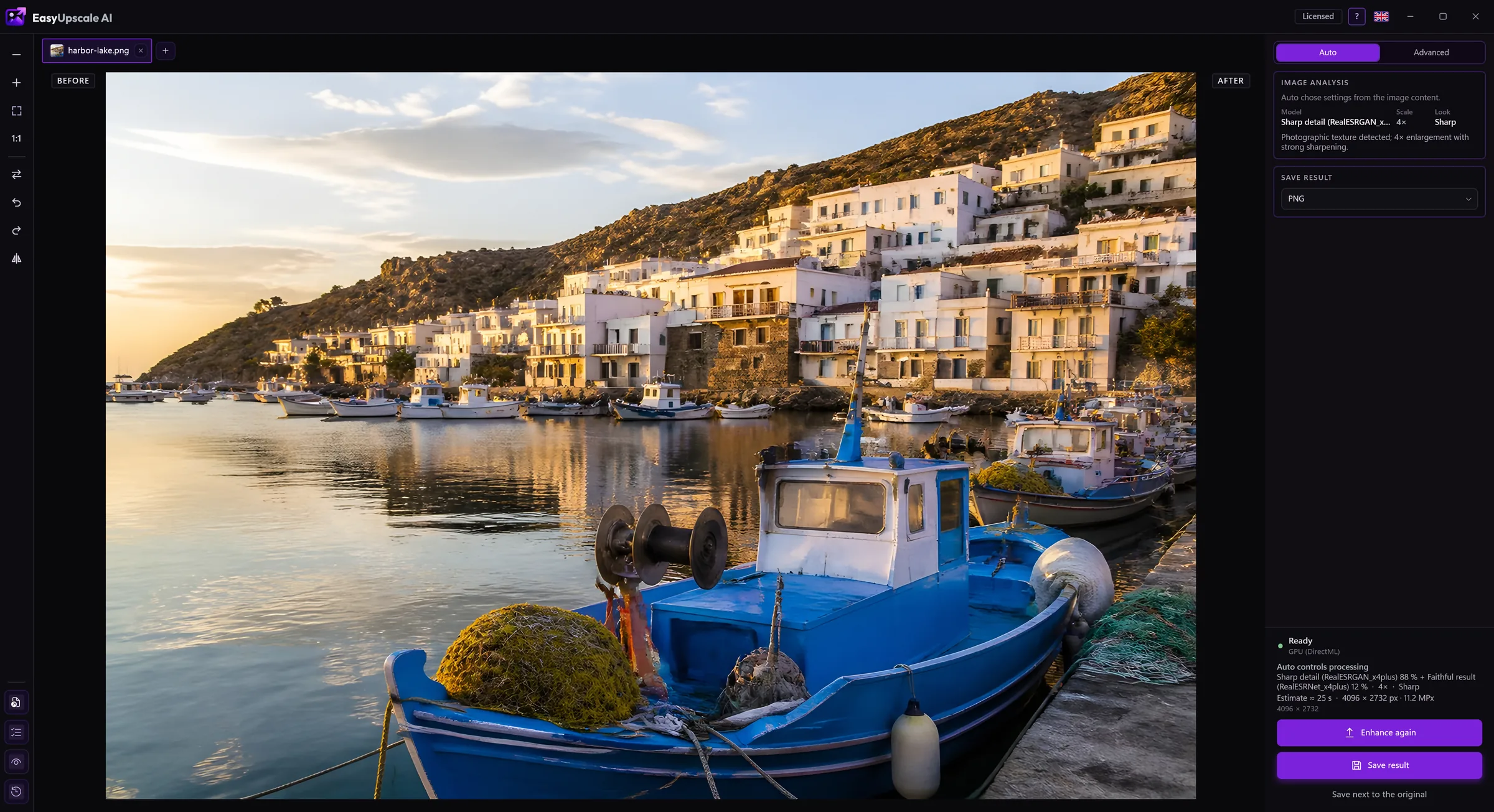
In Auto mode the app recognizes the picture and picks the model, the scale and the look by itself.
Drop a photo or a whole folder into the window. Or right-click it in Explorer and choose the enlarge command.
The app works out what the picture shows and chooses a fitting model. You see the progress and can cancel at any time.
Slide to compare the original with the result and save it as PNG, JPEG, WebP, AVIF, TIFF or BMP.
The app recognizes the picture (photo, drawing, text, damaged shot) and chooses the model and size. Noisy photos are cleaned first and fine grain is put back afterwards, so the result does not look painted.
Choose the model by hand, blend two models at a chosen share and set the size, from 2× and 4× to presets like 4K or Full HD.
Enlarge a whole folder at once. Or point the app at a folder where new pictures are enlarged by themselves in the background.
Looks and sliders for sharpness, noise smoothing, closeness to the original and edge halos.
See the result next to the original and use the slider to check exactly what changed.
Saves PNG, JPEG, WebP, AVIF, TIFF and BMP. Transparency and metadata are kept.
A command in the Explorer right-click menu, starting with Windows and watching a folder from the tray, and 15 languages.
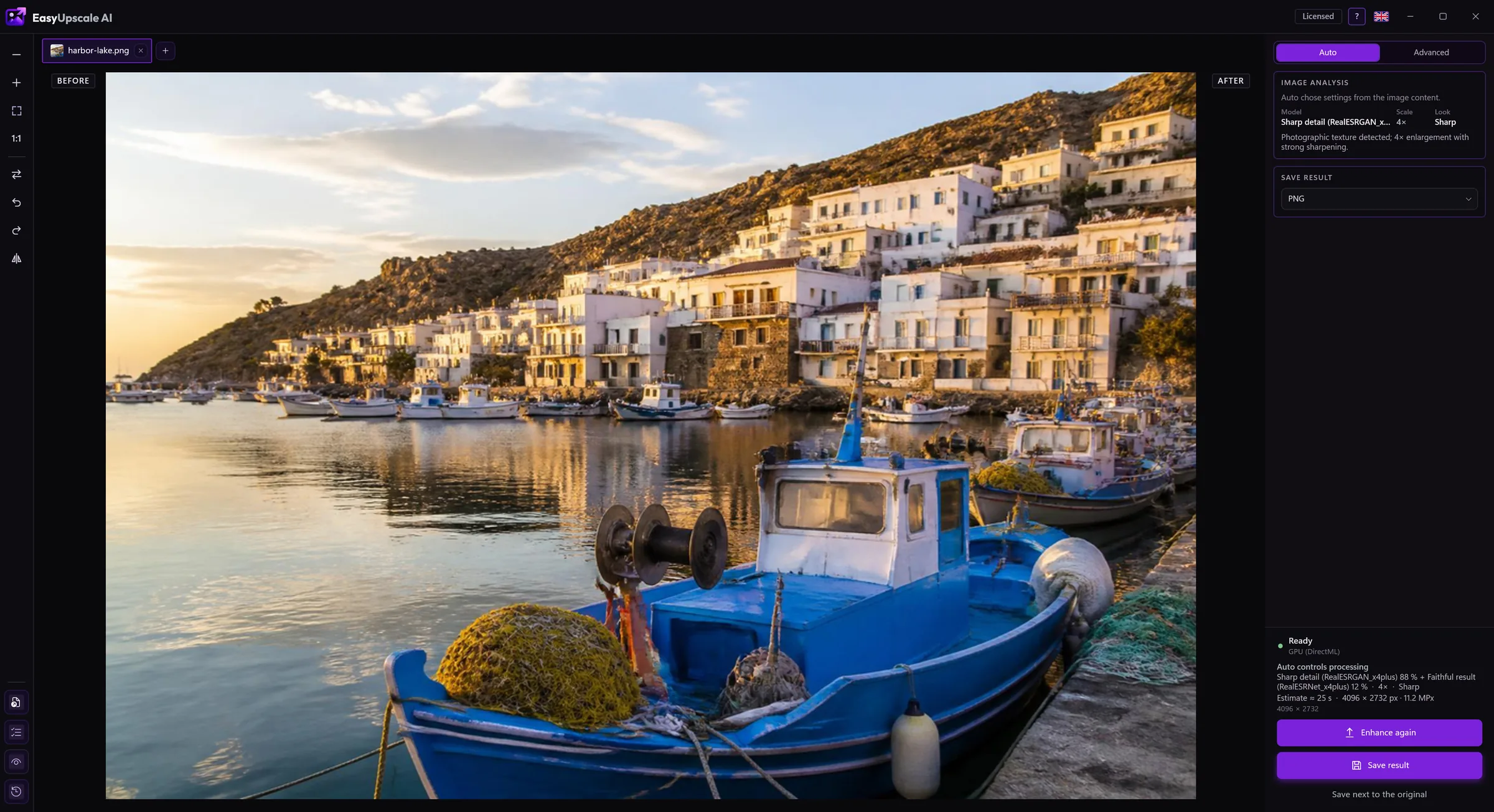
The real EasyUpscale AI window.
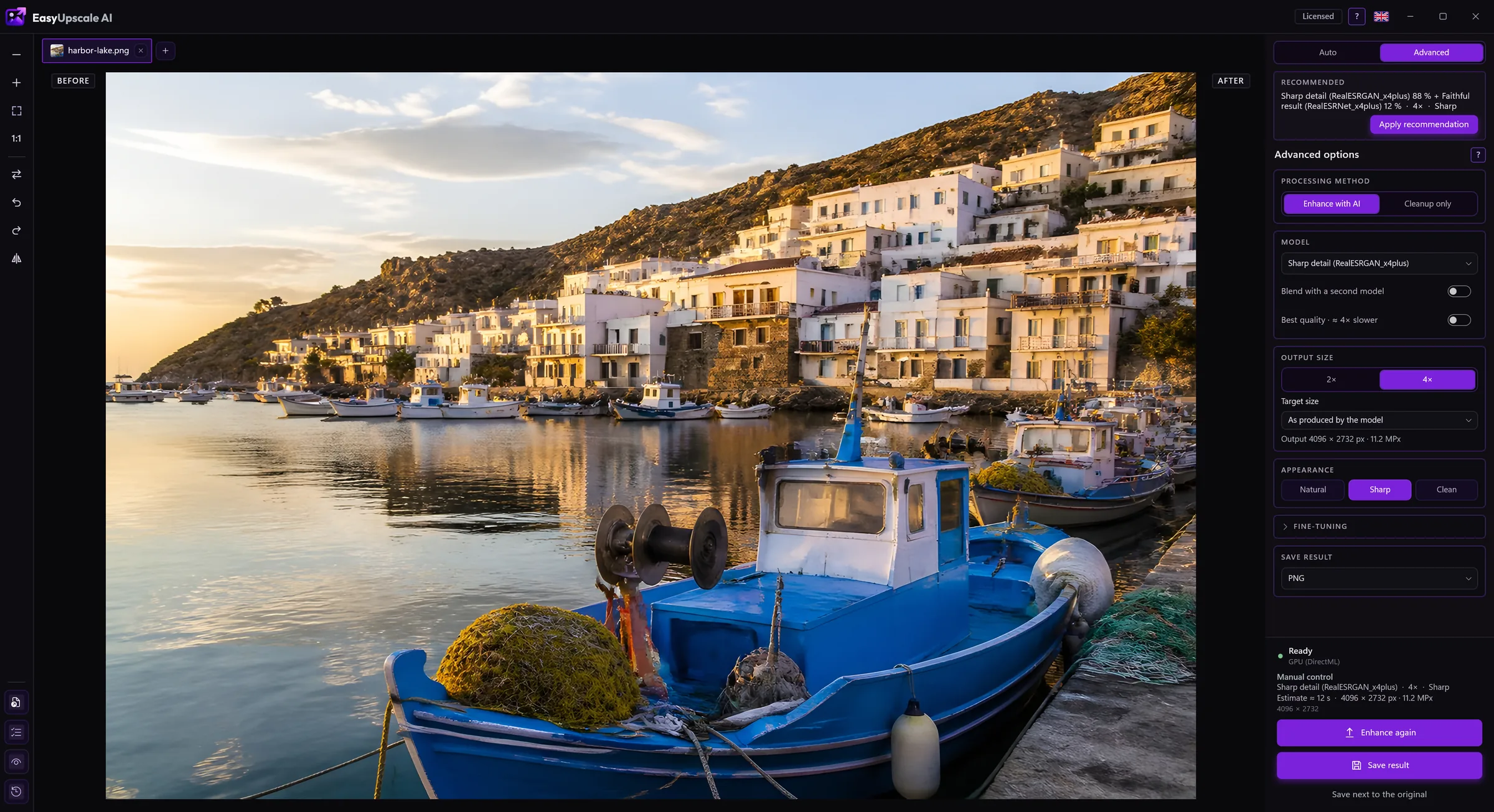
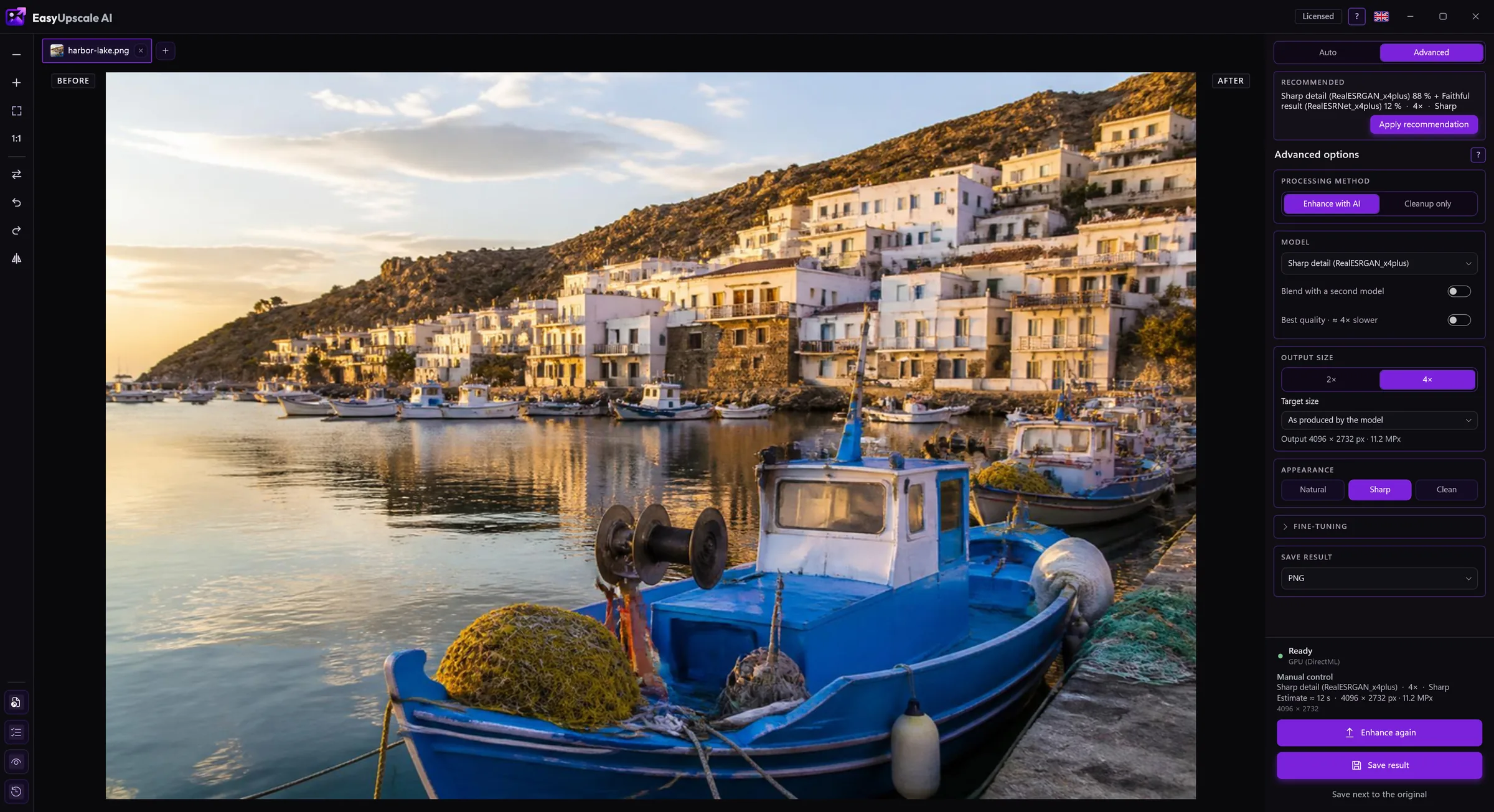

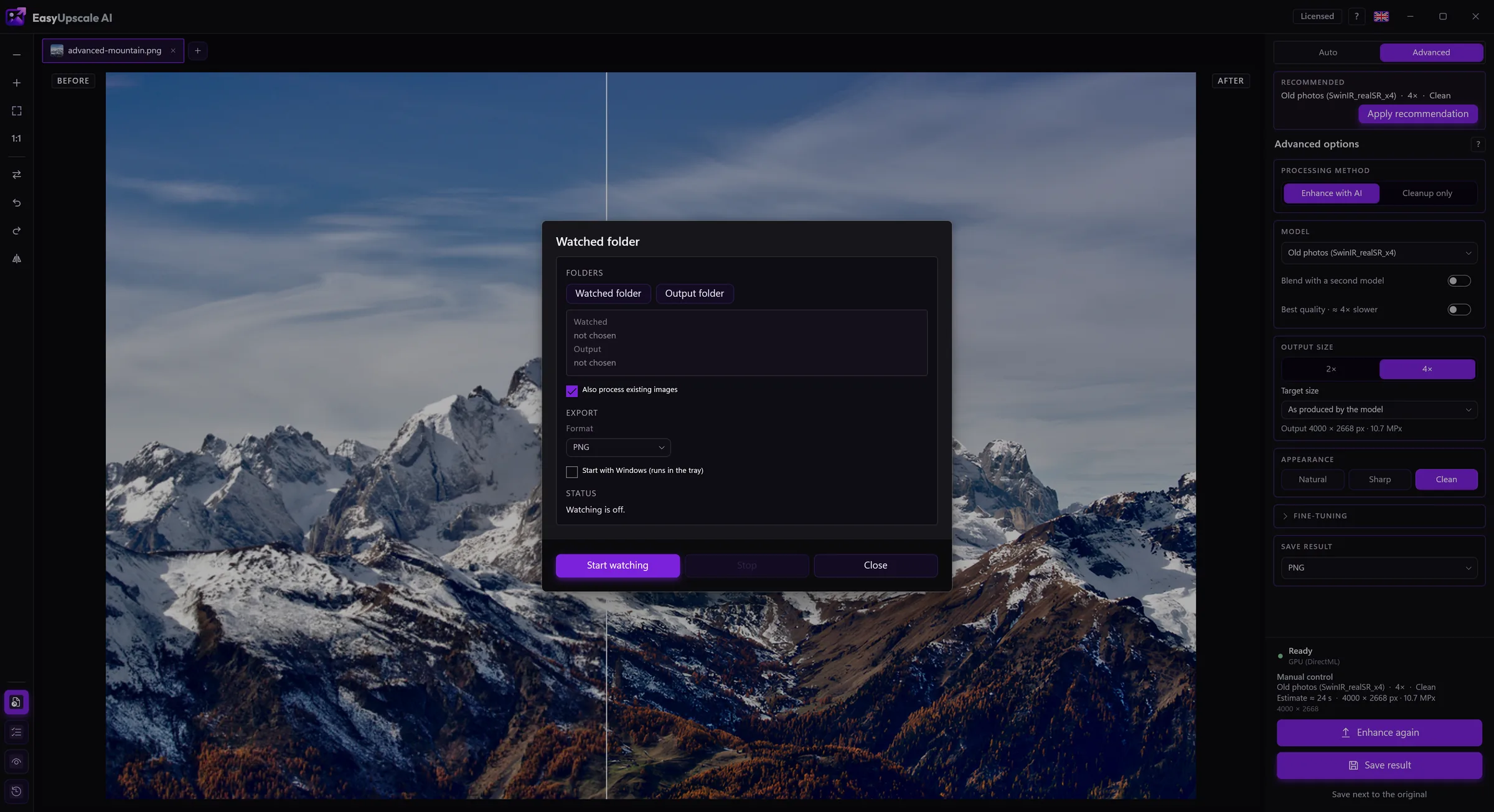
Images are processed entirely on your graphics card. Nothing is uploaded, there are no credits per picture and no queue.
The only thing the app sends is the license key and the computer name when it checks the license. Without a license key it does not connect to the internet. Details are in the privacy policy.
Every feature works without a license. The only difference is a watermark across the result, lighter in the preview and stronger in saved files.
No. Everything is computed on your computer. Details are in the Privacy section.
The key is activated once over the internet. After that the app quietly re-checks the license now and then and works without a connection for up to 7 days after the last check. A license covers one computer. When you change computers, remove the activation in the app and use the key on the new one.
You can withdraw within 14 days of buying and get the full price back, no reason needed. After that we refund you if the app does not work on your computer and we cannot fix it. The app is also free to try first. Details are in the Refund policy.
A simple desktop tool. Your graphics card, your files, your result.