
A small image for print
An image from the web or an older photo often does not have enough pixels for print. EasyUpscale AI enlarges it so it holds up at a larger size.
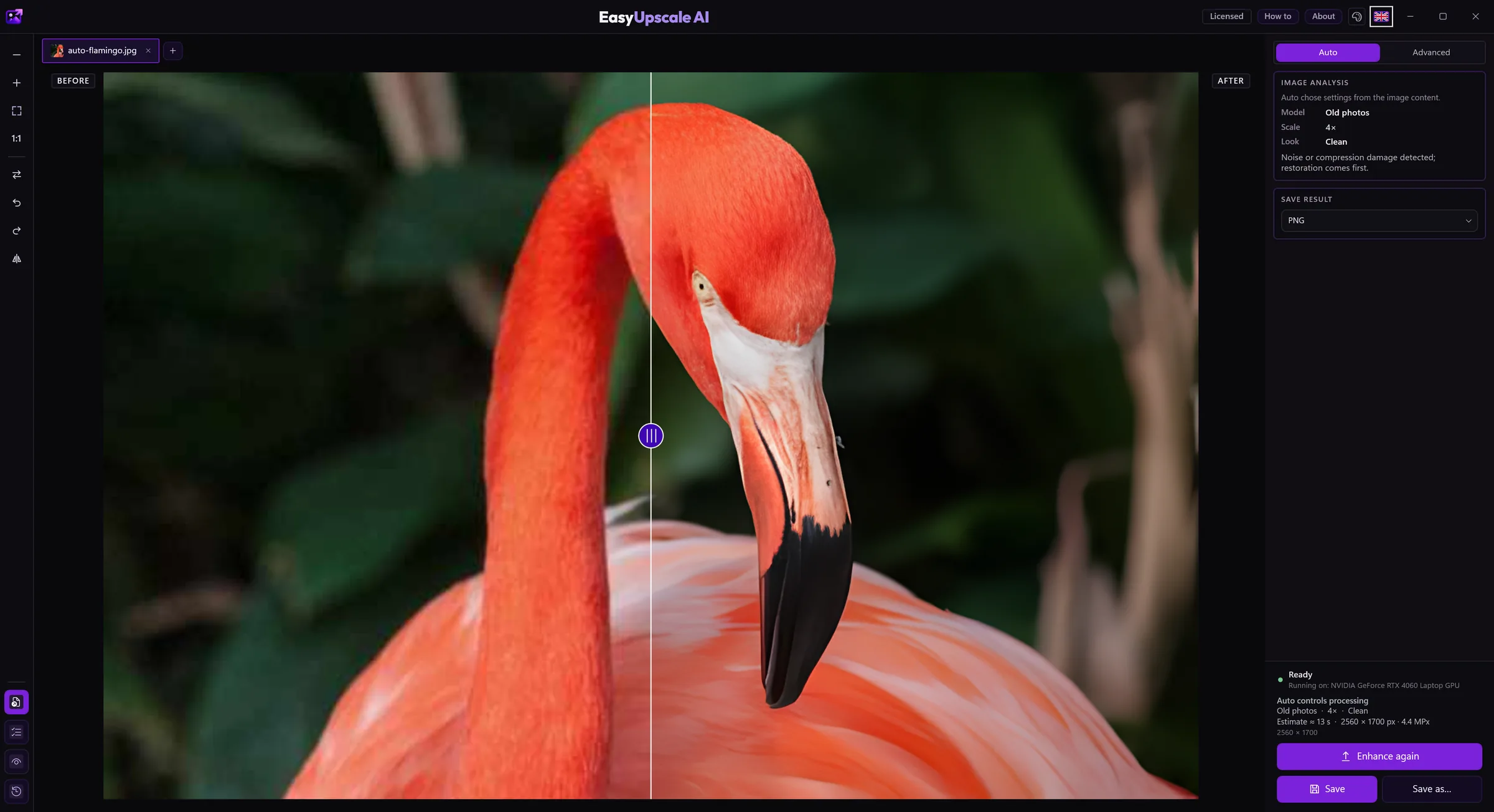
Download free for Windows · Buy a license · €14.99
Steps
- Open the picture.
- In Advanced mode (with a license) choose a size: 2×, 4× or a target resolution like 4K or Full HD. Without a license you can enlarge 2×.
- Save as PNG, JPEG, WebP, AVIF, TIFF or BMP (the free version saves PNG and JPEG). Transparency and metadata are kept.
Good to know
- Print usually needs about 300 pixels per inch: A4 is roughly 2480 × 3508 px. Work out how much enlargement you need before you start.
- Enlarging adds plausible detail, but it will not turn an extremely small image into a sharp large photo.
- Batches and a watched folder (with a license) save clicks when you enlarge many pictures at once.